

Fusion Screen Reader and Magnification Software License
Fusion Screen Reader and Magnification Software License
- Perpetual license includes a Software Maintenance Agreement (SMA) that provides upgrades and updates for two years.
- Available for purchase through Access Ingenuity for end users of California and Northern Nevada only.
Couldn't load pickup availability
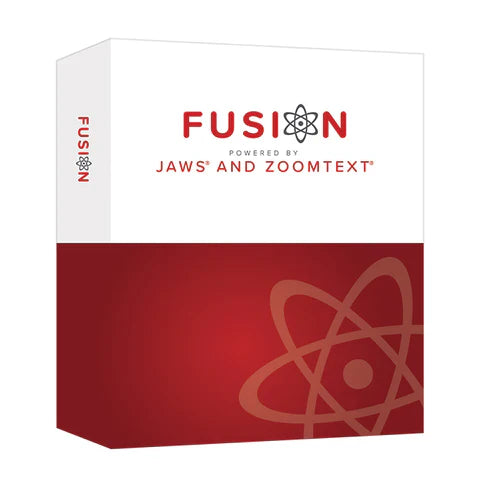
Fusion is the ultimate accessibility tool for individuals with any level of vision impairment. Fusion provides the best of both worlds – ZoomText®, with its screen magnification and visual enhancements for screen viewing ease, coupled with the power and speed of JAWS® for screen reading functionality. By blending ZoomText and JAWS together, Fusion has flexible, high-quality speech using Eloquence and Vocalizer Expressive, powerful keyboard access including navigation on the web, and a wide range of customization options. And with a Fusion license, you can choose to run either just ZoomText or JAWS by themselves or combined as Fusion. Two products in one!
Edition Options
- Work (Professional) is intended for employees, professionals, or organizations that require accessible tools for work, learning, or productivity.
- Access (Home) is intended for students, end-users for personal and non-commercial use. This includes vocational rehabilitation agencies, nonprofits supporting individuals with blindness or low vision, K-12 schools and higher education disability services, or insurance programs funding independence and training.
Term Options
- Perpetual licenses are a one-time purchase that gives you permanent access to the current version of Fusion. A Software Maintenance Agreement (SMA) is included with perpetual licenses. SMAs are tracked by term (e.g., 24 months) from activation, and are activated on the date of purchase. The SMA provides access to future software improvements, compatibility with current operating systems, and automatic receipt of the latest updates over the course of two consecutive years. This constitutes at 50% savings over the previous standard cost of purchasing upgrades. Each license is limited to two SMAs (up to four versions) starting from the current version. Additional or renewal SMAs can be purchased at any time through Vispero (Freedom Scientific®) or Access Ingenuity, provided the license is current.
- Subscription licenses are the same software as perpetual licenses; the only differences are pricing and expiration. Subscriptions expire exactly one, two, or three year(s) after the end user activates the software by using an authorization code. There is NO auto-renewal feature. If the subscription is not renewed before the expiration, the license will convert the user to 40-minute mode. Converting from an existing perpetual license to a subscription license will issue a new serial number and an authorization code.
Purchasing a Fusion license from Access Ingenuity includes free basic technical support, such as setup and troubleshooting, provided by our Assistive Technology specialists. If our team is unable to resolve the inquiry, we will expedite support directly through the manufacturer.
Access Ingenuity offers both training and accessibility support services from our expert screen readers and web accessibility specialists to ensure your accessibility projects are a success. Please contact us to get more information about these services.
Features
Features
System Recommendations
System Recommendations
Additional Documentation
Additional Documentation
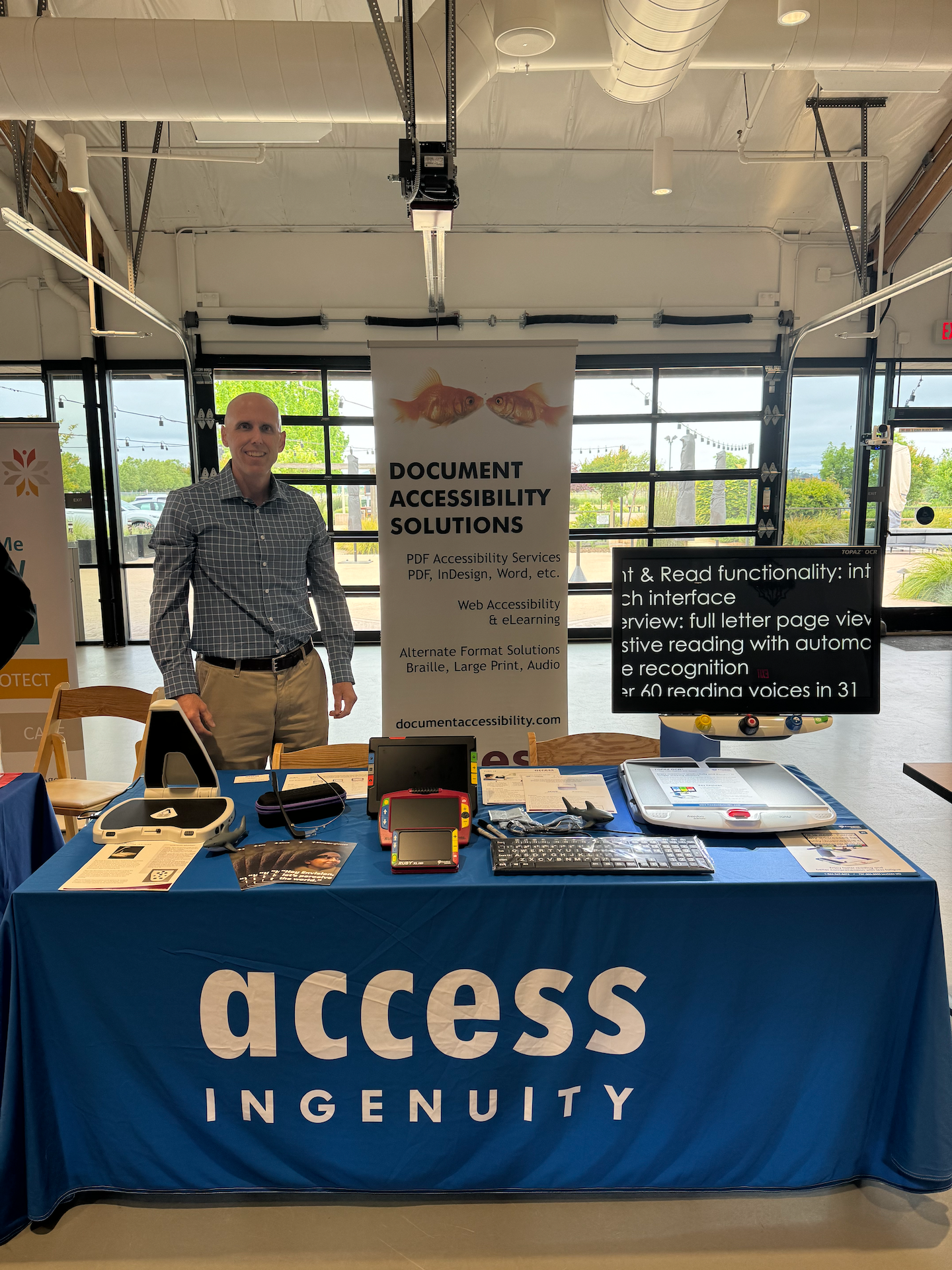
Expert Assistive Technology Training
Access Ingenuity is here to help with the installation and configuration of JAWS, ZoomText or other assistive technology. This may involve any custom installation parameters that are required as well as complete driver updates for compatible hardware.
We can also provide orientation on the layout changes and new control features included in the latest version of JAWS. Our JAWS training will include refresher training on the controls to help maximize efficiency as well as covering the new features in the program. These new features include OCR capabilities, new and improved web navigation commands, Chrome browser controls, Windows 11 controls (if applicable), PDF document management, skim reading and text analyzer tools.
Frequently Asked Questions
Do you match competitor's prices?
As an authorized dealer and distributor of products, we are often able to offer products at prices lower than those offered by our competitors along with unrivaled full service and support. In many cases, we are required by the manufacturers that the published advertised price may not fall below the suggested retail price. Where possible, Coupon Codes are offered to discount a price upon purchase.
Please also note that Internet pricing can be volatile, and you may occasionally find a lower price on a specific item. If you do find a lower price on the identical brand and model of an item from a competitor who has the item in stock and is able to fulfill your order, and we are able to verify the price, we will gladly make every effort to match it. Please reach out so we can build you quote.
Do I have to register for an account before shopping?
No! You only need to register for a account if you would like to apply discounts or receive our preferred pricing. Otherwise, feel free to browse our website, products, pricing, or place an order.
Do you offer volume discounts?
If you are interested in volume discounts please contact us at 707-579-4380 or by email at info@accessingenuity.com.
Have Questions? Let’s talk!
If you can't find the assistive technology you need, please visit our contact page and let us know your requirements. We're eager to help you find the right solutions.
For pricing and to purchase Multi-user Site Licenses, District Licenses, and Enterprise Licenses, please contact our team.